Use this option to delete the external transaction file. To access the Delete Transactions window, select the menu option entitled Delete Transactions on the External Interface Processing Menu.
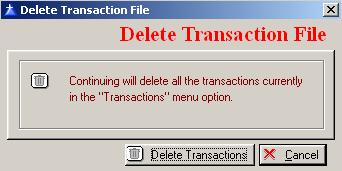
The system will display the Delete Transactions window as follows:
To continue deleting transactions, click on the Delete Transactions button, or press “Alt D”.
To cancel this process, click the Cancel button, or press “Alt C”.