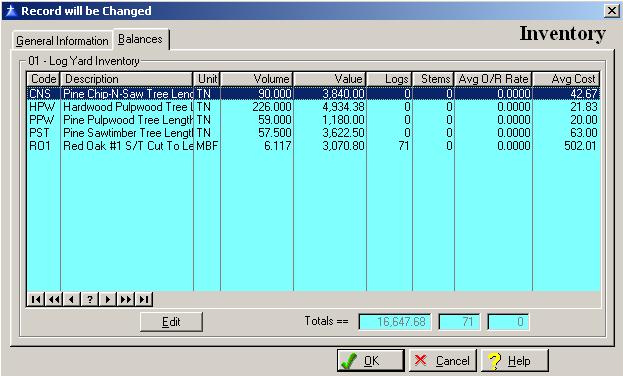
The Inventory’s Balances window contains information specific to the Inventory. To access the Inventory’s Balances window, click on the Balances tab, or press “Alt B”.
The system will display the Inventory’s Balances window as follows:
Since these fields are maintained by the system, the user is not allowed to access them. A summary of all pertinent inventory information is displayed.
To save and exit the Inventory window, press Page Down, click on the OK button, or press “Alt O”. To exit without saving the Inventory window, click on the Cancel button, press “Alt C”, press Esc, or click on the “X” in the upper right corner of the screen.
To access online help, click on the Help button, press “Alt H”, or press F1.
To edit a Product, click on the Edit button, or press “Alt E”. When editing the following screen will appear:
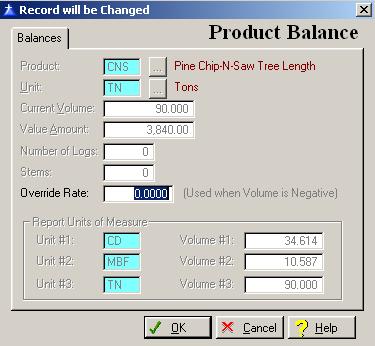
All fields are maintained by the system except for the Override Rate field.
Override Rate
This field is used when the volume is negative to keep track of the inventory volume as well as the inventory cost.
To save and exit the Product Balance window, press Page Down, click on the OK button, or press “Alt O”. To exit without saving the Product Balance window, click on the Cancel button, press “Alt C”, press Esc, or click on the “X” in the upper right corner of the screen.
To access online help, click on the Help button, press “Alt H”, or press F1.