The Forest Express option converts the external file form the Forest Express website into a format that can be posted to the Fiber Procurement module.
To access the Forest Express Interface window, select the menu option entitled Forest Express on the File Conversion Menu.
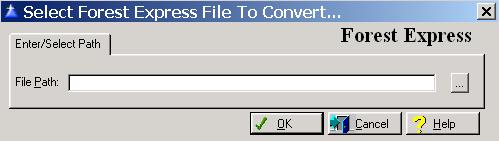
The system will display the Forest Express window as follows:
Enter or edit the information on the Forest Express window according to the following specifications:
File Path
Enter the path for the Forest Express interface file.
To save and exit the Forest Express window, press Page Down, click on the OK button, or press “Alt O”. To exit without saving the Forest Express window, click on the Cancel button, press “Alt C”, press Esc, or click on the “X” in the upper right corner of the screen.